By the time students are asked to write multiple paragraphs, many of them have plenty to say. The problem is not ideas. The problem is getting those ideas down without exhausting their hands, attention, or confidence.
This is where speech-to-text can be a powerful support.
Used intentionally, speech-to-text helps students build writing endurance by removing physical barriers during drafting while keeping thinking, organization, and revision firmly in place.
This post focuses on Step 6 of the Writing Endurance Roadmap.
Head back to the introduction if you’ve missed anything in the series so far.
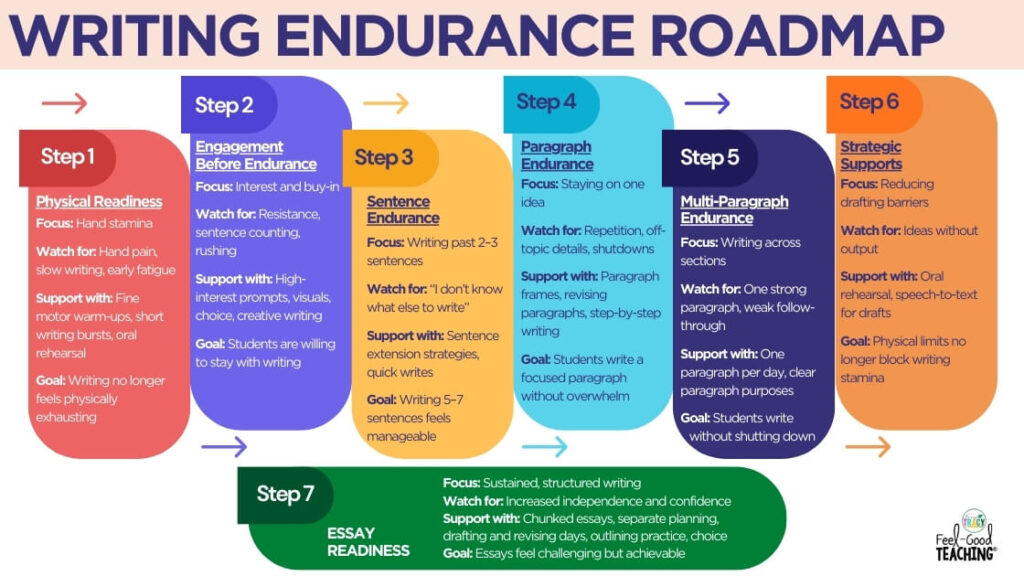
Speech-to-Text Is a Support, Not a Shortcut
This is the most important thing to say upfront.
Speech-to-text does not replace writing instruction. It does not skip revision. It does not lower expectations.
It simply changes the order of the work.
Students still need to:
- organize ideas
- speak in complete sentences
- revise for clarity and detail
- edit for conventions
Speech-to-text supports the drafting stage so students can focus their energy where it matters most.
Why Speech-to-Text Helps Writing Endurance
Writing endurance breaks down when too many demands happen at once.
During drafting, students are often trying to:
- generate ideas
- remember spelling
- control handwriting
- punctuate correctly
- keep sentences flowing
Speech-to-text reduces that load. When students can say their ideas out loud, they are often able to produce longer, more complete drafts than they could by hand.
This builds confidence and stamina without burnout.
When Speech-to-Text Is Most Helpful
Speech-to-text works especially well for:
- students with fine motor fatigue
- reluctant or anxious writers
- students who stall after one paragraph
- intervention groups
- first drafts of longer writing
- procedural and explanatory writing
It is most effective when used for first drafts only, not final copies (for most students).
Classroom-Friendly Speech-to-Text Options
Many classrooms already have access to speech-to-text tools.
Common options include:
- Google Docs Voice Typing
- Microsoft Word Dictate
- built-in device dictation on Chromebooks, iPads, or laptops
- accessibility tools such as Read and Write
These tools are effective because they are simple and familiar. No special programs are required.
How to Use Speech-to-Text Intentionally
Speech-to-text works best when students follow a clear routine.
Step 1: Oral Rehearsal First
Before dictating, try having students talk through what they want to say. This might include:
- speaking with a partner
- using a graphic organizer
- drawing and labeling ideas
- practicing sentences out loud
Oral Rehearsal Activity
Oral rehearsal improves sentence quality and reduces rambling for many students. Think of it as getting through your first and maybe second draft of an idea before the pencil ever hits paper. This is especially true in procedural writing; rehearsal improves the clarity and specificity required.
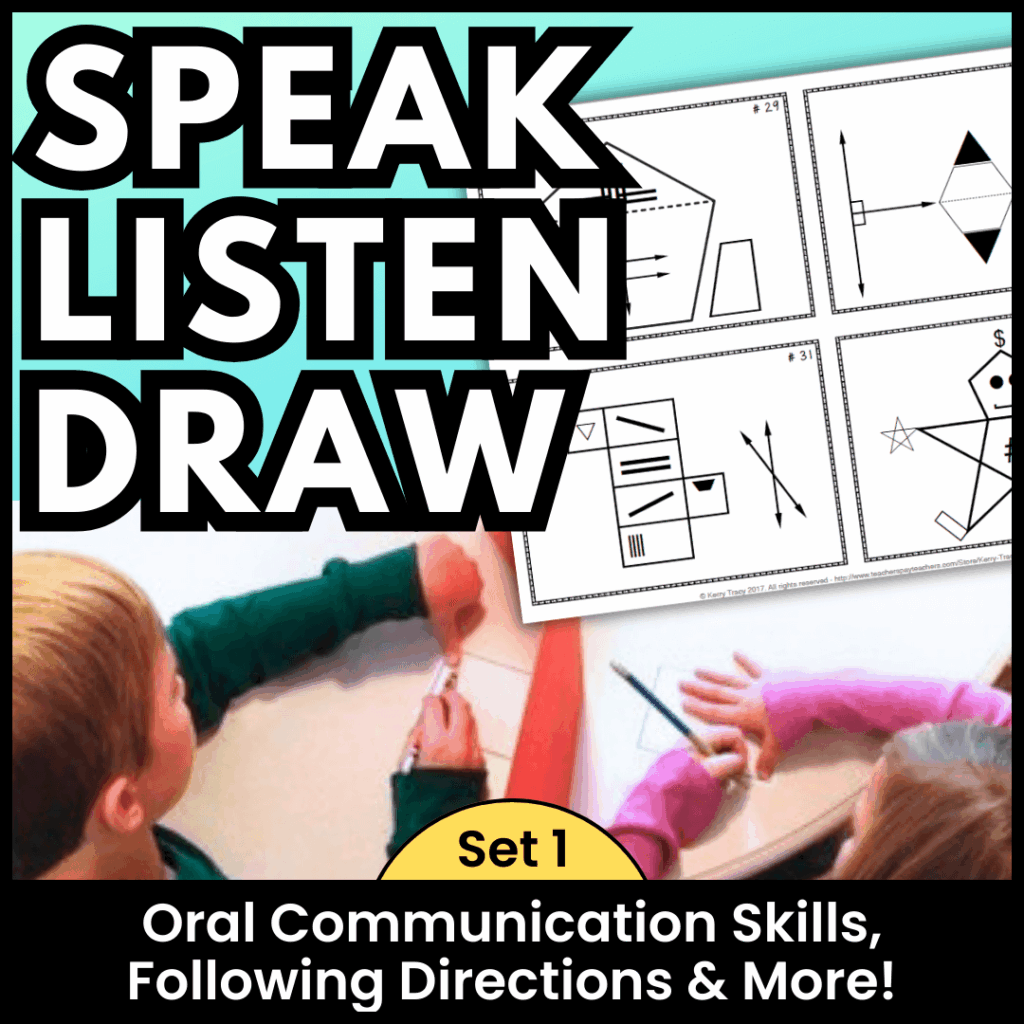
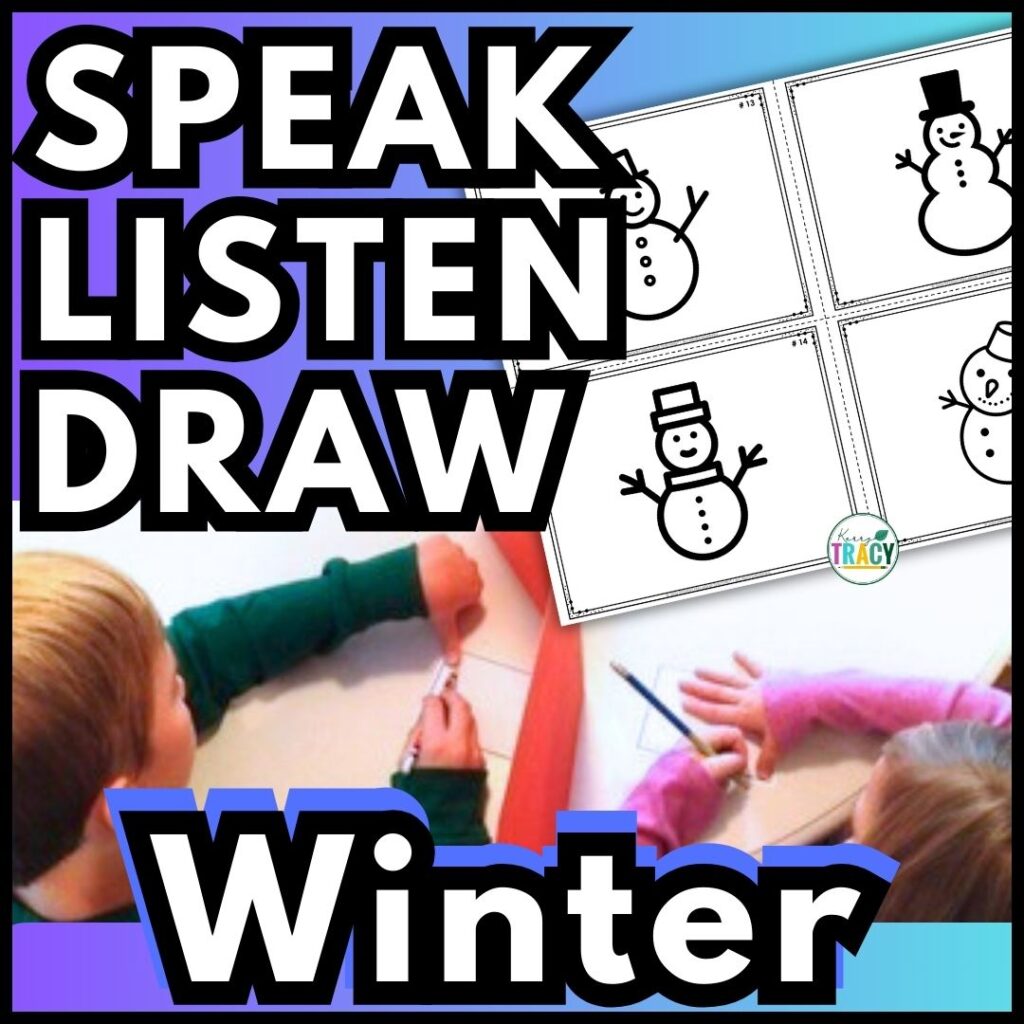
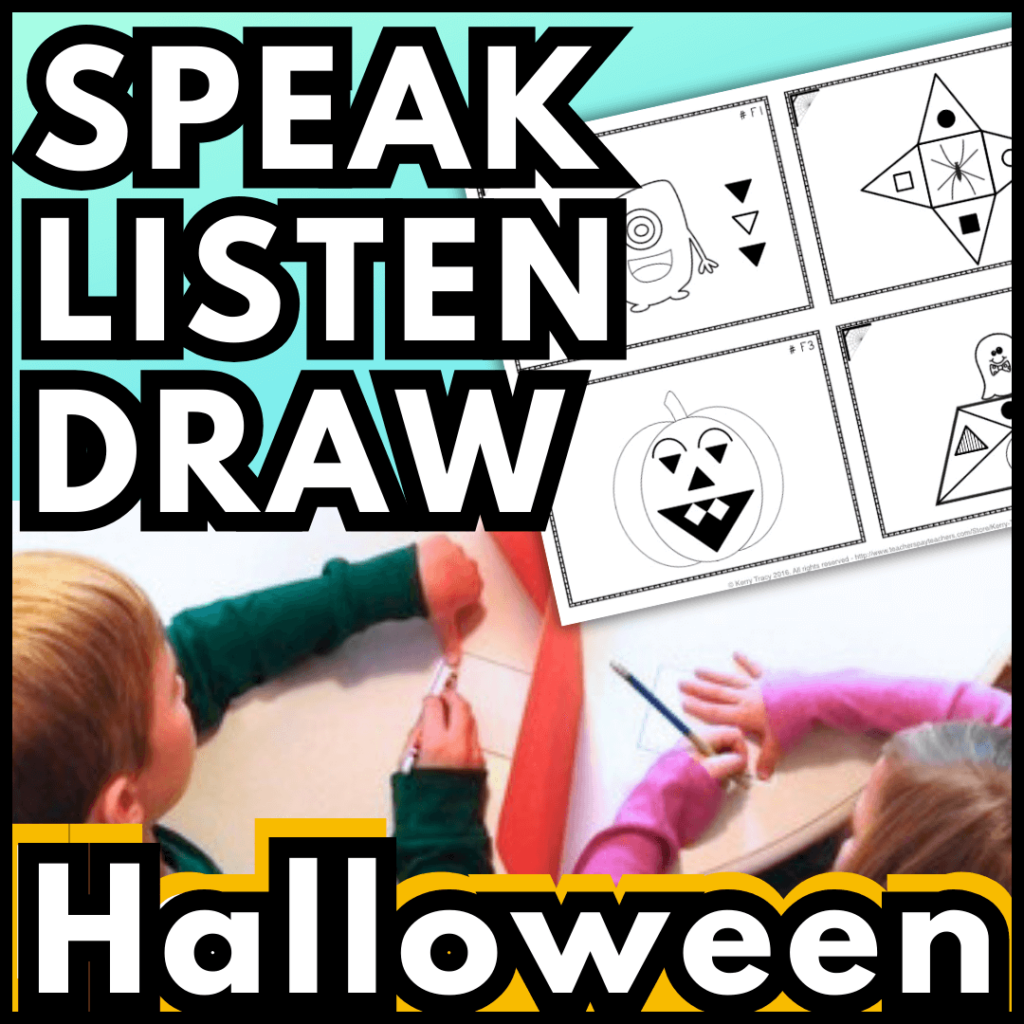
A great, fairly quick activity to practice oral rehearsal to procedural writing is Speak, Listen, Draw. In this activity one students describes how to draw a hidden image to a peer who listens to the directions to re-create the image. To turn this into a rehearsal for procedural writing, have the student go three rounds with the same image, but different peer drawers, with feedback given in between each round. After the third rehearsal, have the student write out the set of “perfect” instructions.
You can have students create their own image as the starting point, or grab ready-made images in any of the Speak-Listen-Draw resources below:
Step 2: Dictate One Section at a Time
Limit the task to:
- one paragraph
- one section
- one clear idea
Keeping the scope small prevents overwhelm and builds endurance gradually.
Step 3: Revise the Dictated Draft
This is where learning happens.
Students can:
- add details
- improve word choice
- combine sentences
- clarify ideas
Revision turns a spoken draft into strong writing. Revision skills should be taught & practiced explicitly.
Check out this No-prep Revision Activities Bundle to save a ton of time putting together explicit lessons.
Step 4: Optional Rewrite
Not every dictated draft needs to be rewritten by hand. When appropriate, students might:
- rewrite one paragraph
- revise a shortened version
- edit key sections only
This balances fine motor practice with stamina support. When first working on essays, I require students to revise just one sentence per paragraph. One great sentence per paragraph dramatically improves the entire piece, and many students will choose to do more than one sentence on their own. Start small, and build up from there!
What Speech-to-Text Does Not Replace
Speech-to-text should not replace:
- handwriting instruction
- sentence structure lessons
- revision practice
- editing skills
Those skills are still taught and practiced. Speech-to-text simply removes physical fatigue from the drafting stage so students can stay engaged longer.
How This Supports Essays Later
Essays require sustained effort across planning, drafting, revising, and editing.
When students learn that drafting does not have to be physically exhausting, they are more willing to:
- start writing
- continue writing
- return to writing over multiple days
Speech-to-text helps students build endurance for longer writing tasks without shutting down early. Over time, as their confidence and endurance builds, you can remove this support.
What’s Next
In the final post of this series, we will pull everything together and talk about when students are ready for essays and how to transition into longer writing with confidence and structure.
Writing endurance is not about pushing through frustration. It is about removing barriers so students can keep going.
PIN ME